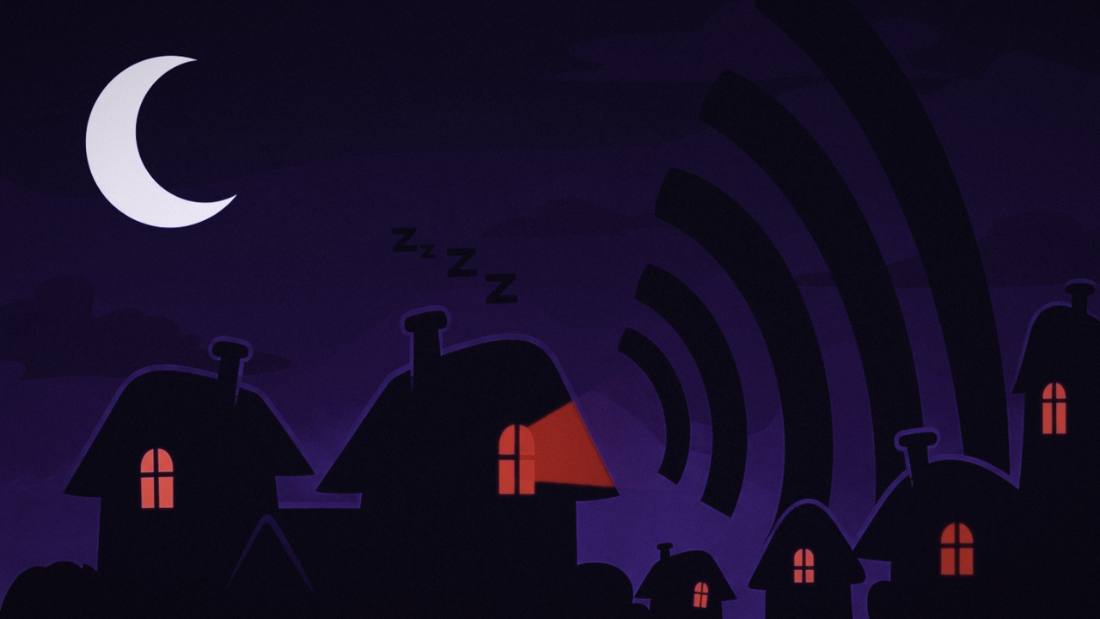
Your Mac shows your partner's text as one banner among forty, with no idea it matters more than a promo. iPhone VIP settings don't follow you to the Mac, and Do Not Disturb silences everyone. The fix is to give your chosen people their own channel: Marqee pins their texts in your notch and holds them there until you deal with them, while everyone else waits.
- Macs treat every notification equally, so important texts get buried by sheer volume.
- iPhone VIP settings don't give you a persistent surface on the Mac, and Do Not Disturb is all-or-nothing.
- Marqee pins texts from your chosen people in the notch until you handle them, with a reply field built in.
- Setup takes about two minutes and your messages never leave your Mac.
My wife texted at 2:14 on a Tuesday. "Can you pick me up at 3 instead of 4?" I saw it at 2:56.
In between: nineteen Slack messages, a calendar alert, two emails marked important that weren't, and a text from my bank about a card ending in a number I don't own. Her text was in there somewhere, one gray banner among thirty, sliding up and sliding away like all the others.
I made the 3pm pickup by four minutes. Not because my Mac helped. Because I got lucky and checked.
That's the day I understood the problem. My Mac had no idea my wife's text mattered more than the mattress ad. To the notification system, they're identical: same banner, same three seconds, same slide into a pile you'll never scroll. Here's why that happens, why the usual fixes don't hold, and what actually works.
One note: I make Marqee, the app I'll describe at the end. This post is the reason it exists, so take the pitch with that in mind.
Why do important texts get buried on a Mac?
Because every app gets the same notification, and volume wins.
On a working Mac, your partner's text arrives as one banner in a stream of forty: Slack, mail, calendar, the delivery app, three group chats. It appears, it fades, it's gone into Notification Center with everything else. Your Mac doesn't know this sender is the person you'd cross a room for and the last one is a promo code. It can't. Nothing told it who matters. So the one message you'd never want to miss gets the exact treatment as the one you'll never read.
Thirty banners a day, all equal. On a busy day, the important one loses.
Why doesn't marking a VIP on my iPhone fix it?
Because those settings mostly don't follow you into the moment where the burying happens, which is the middle of deep work on your Mac.
You can mark someone a VIP in Mail or let them through a Focus on your phone. What you can't do is get a persistent, hard-to-miss surface for their texts while you're heads-down on your MacBook. The iPhone tricks live on the iPhone. The forty-banner pileup lives on the Mac. They don't meet where you need them to.
Why not just turn on Do Not Disturb?
Because Do Not Disturb is all or nothing, and that's the trap.
Turn it on and the promos go quiet, and so does your wife, your kid's school, and the login code you're waiting on. Turn it off and you're buried again. Most people bounce between the two and trust neither. What you actually want is narrower than silence and calmer than noise: a channel for the few people you can't miss, and quiet for everyone else.
The fix: give the people who matter their own channel
Stop blocking the many. Choose the few.
That's the inversion I built Marqee around. You pick your people. When my wife texts now, a card pins in my notch and stays there until I've dealt with it, through as many Slack storms as the afternoon throws. If two texts land close together, the second queues behind the first with a small "+1," so nothing drops silently. Everyone else waits where they landed. The notch stays quiet until it's her.
The 2:14 text would have pinned and held. I'd have seen it at 2:14.
 marqee
Only your marquee people make the marquee.
The one text you'd never want to miss, surfaced the moment it lands. Everyone else waits where they landed.
Get notified at launch Launching soon. One email when it ships.How to set this up in about two minutes
Download Marqee, run the guided setup once to grant the single permission it needs to read your messages, and add your partner as a VIP. That's the whole job.
From then on, their texts land in your notch and hold until you've seen them, and you can reply right there without opening Messages or losing your place. Want to go heads-down? Flip Focus, and everything goes quiet except your chosen people, your login codes, and a genuine emergency from anyone. Come back, and one card tells you what was held.
It reads your messages on your Mac and sends nothing anywhere. No server, no account. The text that matters stops being one banner in forty, and becomes the only one that stays.
Wilton E. Blake, II makes Marqee and runs answer-engine optimization audits for a living.
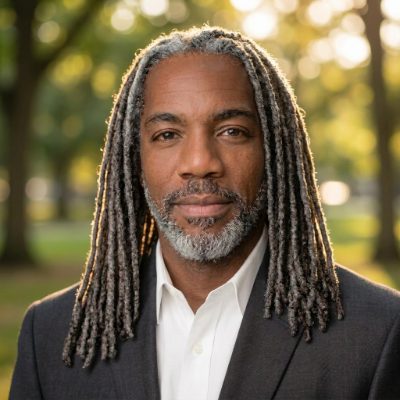
Wilton E. Blake, II makes Marqee and runs answer-engine optimization audits for a living.
FAQ
How do I make sure I never miss a text from my wife or husband on my Mac?
Give that person a dedicated, persistent surface instead of a normal banner. Marqee lets you mark chosen people as VIPs, and their texts pin a card in your notch that stays until you deal with it, so it can't be buried under other notifications.
Do iPhone VIP contacts carry over to the Mac?
Not in a way that gives you a persistent, hard-to-miss surface for their texts while you work on the Mac. That gap is what Marqee fills by reading your Messages on the Mac and pinning cards from the people you choose.
Isn't Do Not Disturb enough to protect important texts?
No, because Do Not Disturb is all or nothing: it silences everyone, including the people you can't afford to miss. Marqee inverts that by letting a chosen few and true emergencies through while holding everything else, with a digest of what was held.
Does Marqee keep my messages private?
Yes. Marqee reads your Messages database on your own Mac and sends nothing anywhere. There's no server, no account, and no analytics. Your messages never leave your machine.
Can I reply without opening Messages?
Yes. The card has a reply field, so you can answer from the notch without switching apps or losing your place in what you were doing.