To copy a login code on your Mac without opening Messages, use an app that catches it as it arrives. Marqee detects the code in your incoming texts the moment it lands and shows it in your notch with one-tap copy, so you paste it into any browser or app without leaving what you were doing. Auto-copy is available but off by default for safety.
- macOS only autofills codes in some Safari fields; everywhere else you hunt through Messages.
- Marqee catches the code as it arrives and gives you one-tap copy in the notch.
- Auto-copy to the clipboard is available but ships off by default, so a stray text can't overwrite your clipboard.
- Detection runs locally; your codes never leave your Mac.
You're mid-checkout. Card entered, shipping filled, and the bank fires a code to confirm it's you. Now the dance: leave the browser, open Messages, find the newest thread, read six digits, hold them in your head, switch back, and type them before they evaporate.
You do that maybe a dozen times a day. Bank logins, new apps, the VPN your IT team mandates. Six digits, a context switch, every time.
None of it needs to work this way. The code is already on your Mac the second it arrives. The only problem is that it's buried in Messages instead of sitting where your cursor already is.
Note: I make Marqee, which is the app that does what I'm about to describe. Judge the claim, not the pitch.
Why is copying a login code on a Mac so annoying?
Because the code lands in Messages, and getting it out of Messages breaks whatever you were doing.
A code arrives mid-login. You switch apps, find the thread, read the number, memorize it for four seconds, switch back, and type. macOS can autofill a code in some Safari fields, but the moment you're in a different browser, an app, or a password manager, you're back to the manual hunt. Multiply the small break by a dozen a day and it's a real tax on your flow.
How does Marqee catch verification codes?
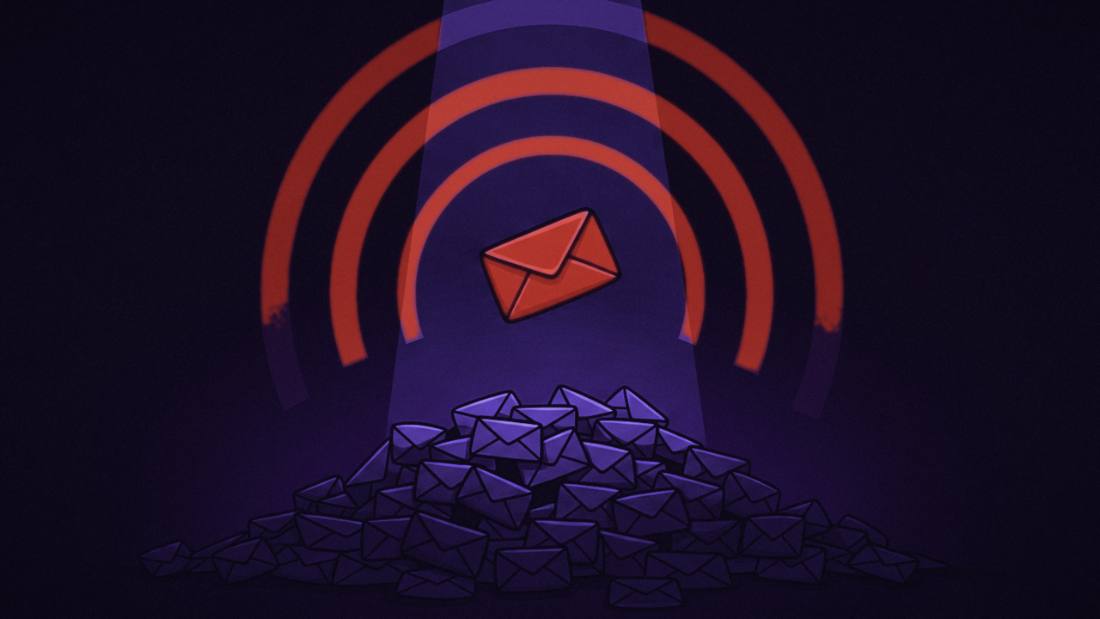
It reads your incoming texts on your Mac, spots the code the instant it lands, and puts it in your notch as a card with a copy button.
The detection runs locally, where your Messages already live, so there's nothing to set up and nothing sent anywhere. Code arrives, card appears, you tap once, you paste. If a new service fires three codes in ten minutes while you set it up, each one lands as its own card instead of three trips to Messages. One tap, then Command-V, and you're back in the checkout you never left.
 marqee
Only your marquee people make the marquee.
The one text you'd never want to miss, surfaced the moment it lands. Everyone else waits where they landed.
Get notified at launch Launching soon. One email when it ships.Can Marqee copy the code automatically?
Yes, and it's off by default on purpose.
Marqee can auto-copy a detected code straight to your clipboard, which is the fastest path there is. It ships off because anything that writes to your clipboard the moment a text arrives should be a choice you make, not a surprise you discover. You don't want a stray message quietly overwriting the address you just copied. So the default is one-tap copy, nearly as fast and fully in your hands, and auto-copy is a switch you flip once you've decided you want it.
Is it safe to let an app read my verification codes?
It's as safe as the app's design, and Marqee's design keeps everything on your Mac.
Marqee reads your Messages locally, the same file Apple's own apps use, and sends nothing to any server, because there's no server to send to. Your codes are detected and shown on your machine and nowhere else. Auto-copy stays off until you turn it on, and you can clear or switch off Marqee's notification history whenever you want. An app that handles your codes should never move them off your computer. This one doesn't.
Wilton E. Blake, II makes Marqee and runs answer-engine optimization audits for a living.
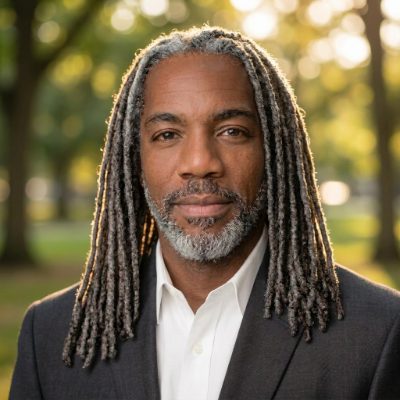
Wilton E. Blake, II makes Marqee and runs answer-engine optimization audits for a living.
FAQ
How do I copy a verification code on my Mac quickly?
Use an app that catches the code as it arrives. Marqee detects a login code in your incoming texts the moment it lands and shows it in your notch with one-tap copy, so you paste it without opening Messages.
Can I auto-fill or auto-copy 2FA codes from iMessage on a Mac?
Marqee can auto-copy a detected code to your clipboard, but it ships with that off by default for safety and uses one-tap copy instead. You can turn on auto-copy in Preferences once you've decided you want it.
Why is auto-copy turned off by default?
Because anything that writes to your clipboard the instant a text arrives should be a deliberate choice, not a surprise. Off by default means a stray message can't silently overwrite your clipboard; you opt in when you're ready.
Does Marqee send my codes anywhere?
No. Marqee detects codes on your Mac and shows them locally. There's no server and no account, so your codes never leave your machine.
Does this work in any app, or only Safari?
The code copies to your clipboard, so you can paste it anywhere: any browser, any app, any password manager. It doesn't depend on Safari's autofill.